
Create a Standard Note Without a Ticket
Write a new standard note, such as an intake template for your dispatcher, without writing it on a ticket first. Open the Add Note list, choose Manage standard notes… at the end, then choose New.
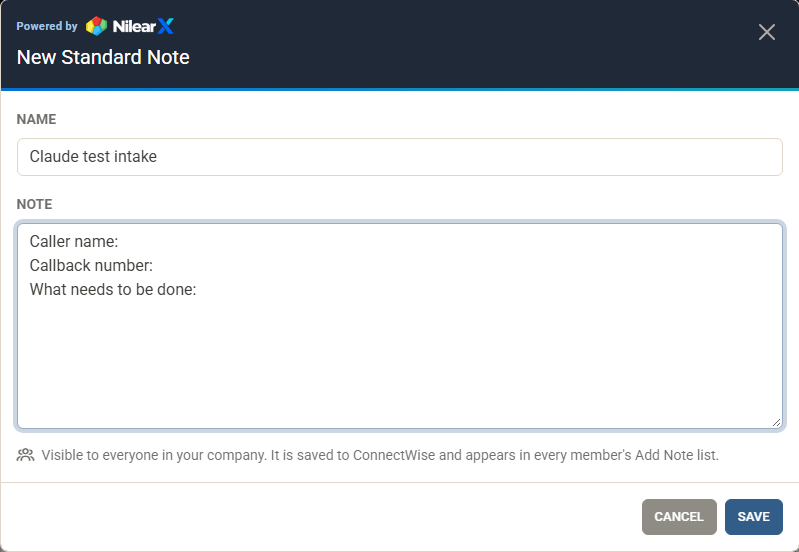
Give the note a name and its text, then Save. It is added to everyone’s Add Note list straight away. Opened from a ticket, the note is offered only on tickets of that ticket’s board unless you tick Show on all boards. Opened from New Ticket, it is offered on all boards.
New appears for members whose ConnectWise security role may add standard notes.